IMSI Catcher
Estimated Time: ~5 minutes
Summary
The IMSI Catcher lab demonstrates cellular identification concepts and how rogue base stations can collect subscriber identifiers.
This simulation is software-only and designed strictly for educational purposes.
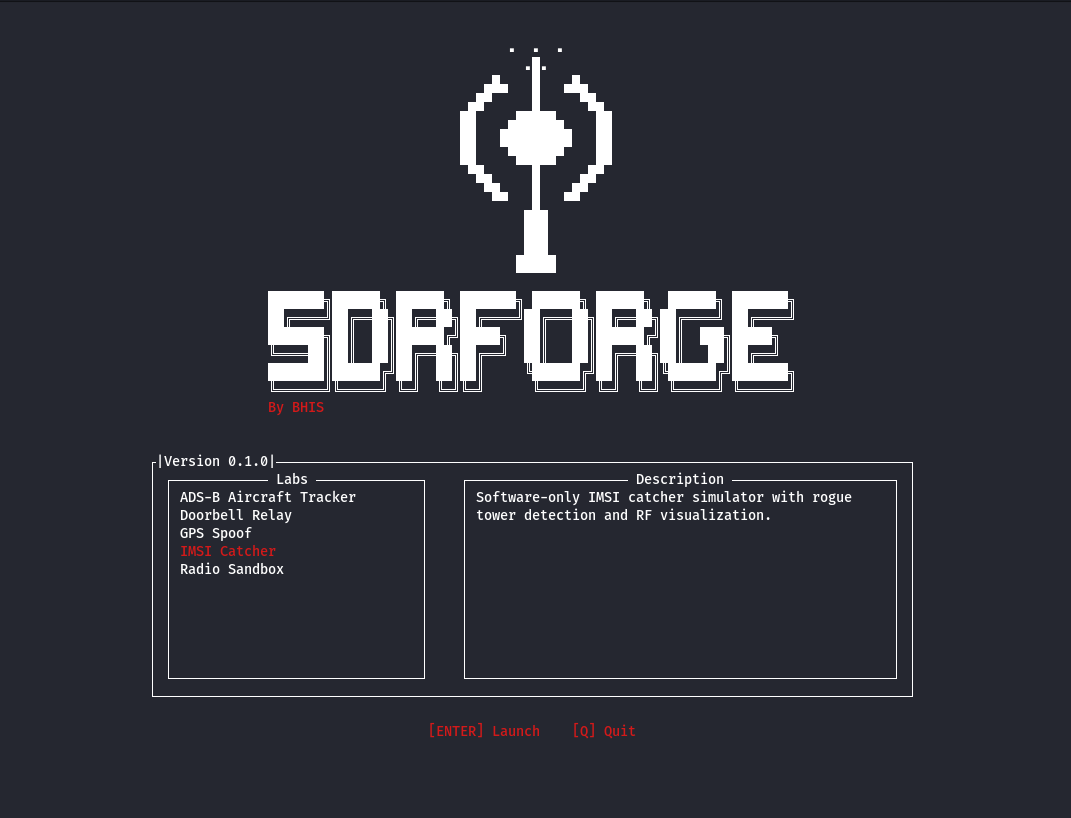
Launching the Lab
Start SDRForge:
python3 SDRForge.py
Select:
IMSI Catcher
Interface Overview
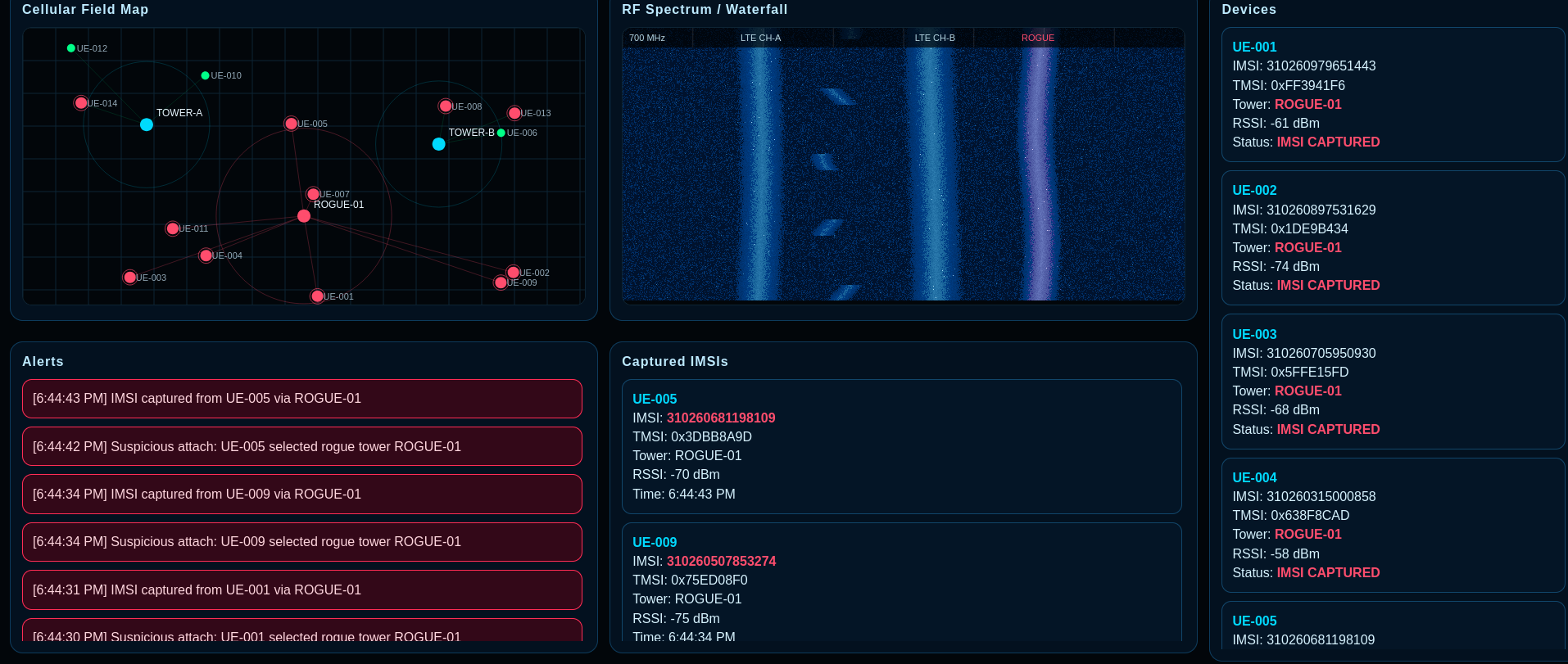
The dashboard contains:
- Cellular activity map - Shows simulated movement
- Device visualization - What a radio would see
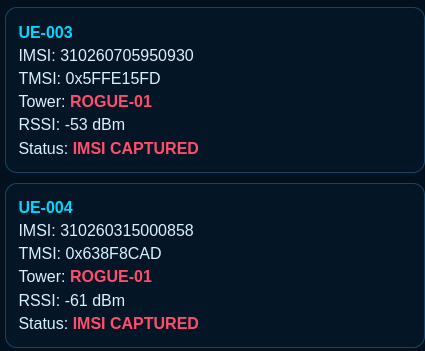
- IMSI collection panel - This is what an attacker would see if a real rouge tower was set up
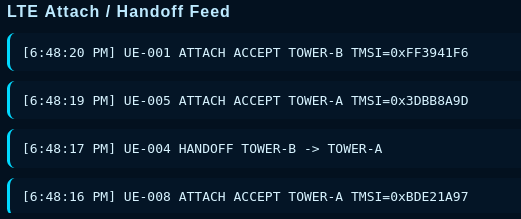
- Handoff monitoring feed - Here we can study how towers and phones communicate allowing someone to pose as a fake tower
What is an IMSI?
IMSI stands for:
International Mobile Subscriber Identity
It is used by cellular networks to uniquely identify subscribers.
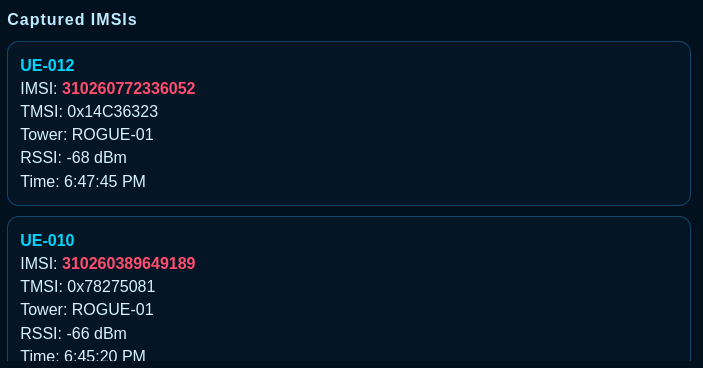
IMSI Collection Feed
The center panel displays simulated IMSI captures.
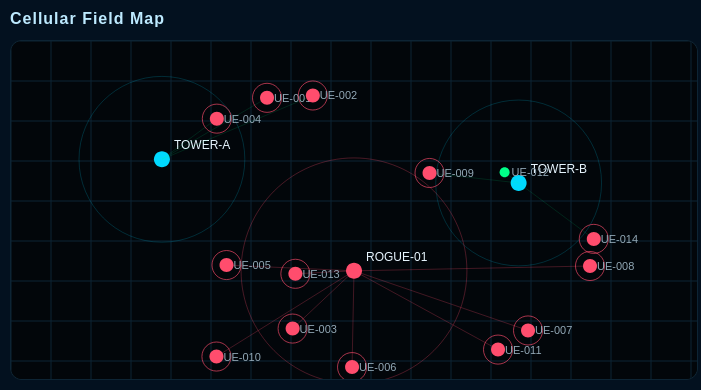
Device Visualization
Observe nearby devices moving between cellular towers.
Handoff Monitoring
The handoff feed displays movement between cells and simulated tower transitions.
Rogue Tower Demonstration
Notice how multiple devices interact with a simulated rogue tower.
IMSI Catcher Workflow
Devices
    ↓
 Rogue Tower
    ↓
 IMSI Collection
    ↓
 Activity Feed
Troubleshooting
Devices are not appearing
Refresh the page and restart the lab.
Handoff feed stops updating
Relaunch the simulation.
Dashboard appears frozen
Reload the browser and restart the lab.