ADS-B Aircraft Tracker
Estimated Time: ~5 minutes
Summary
The ADS-B Aircraft Tracker lab demonstrates how aircraft broadcast telemetry information and how SDR receivers decode and visualize this data.
This lab provides a safe environment for understanding aviation surveillance systems and aircraft tracking workflows.
Launching the Lab
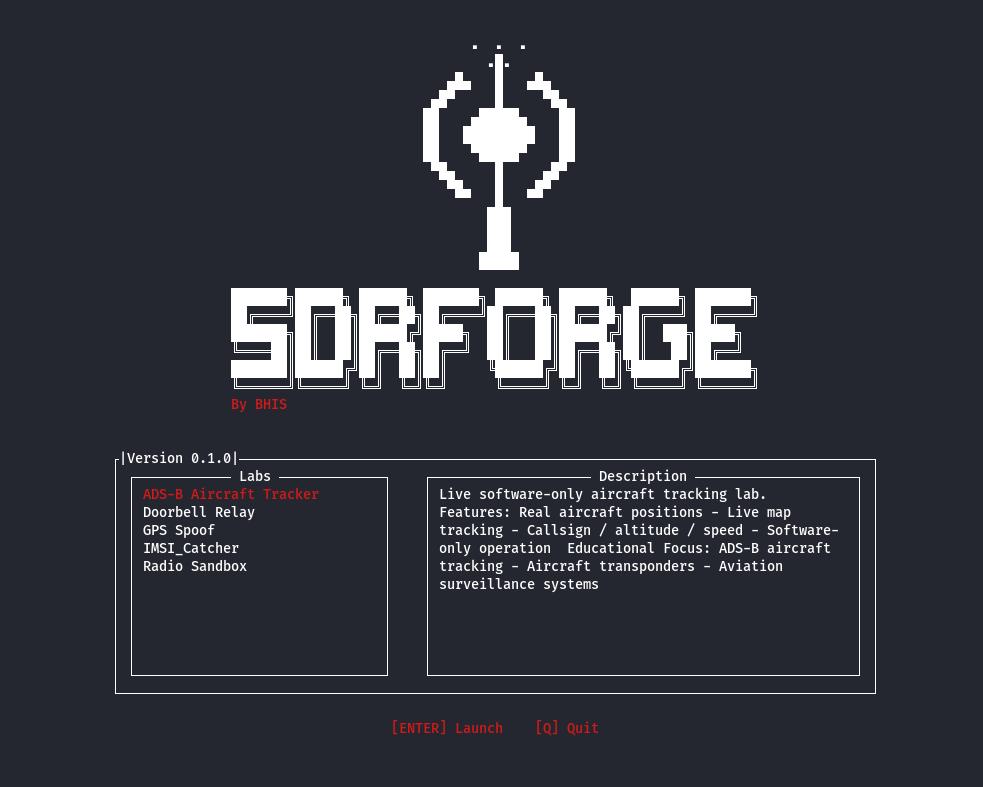
Start SDRForge:
python3 SDRForge.py
Select:
ADS-B Aircraft Tracker
Interface Overview
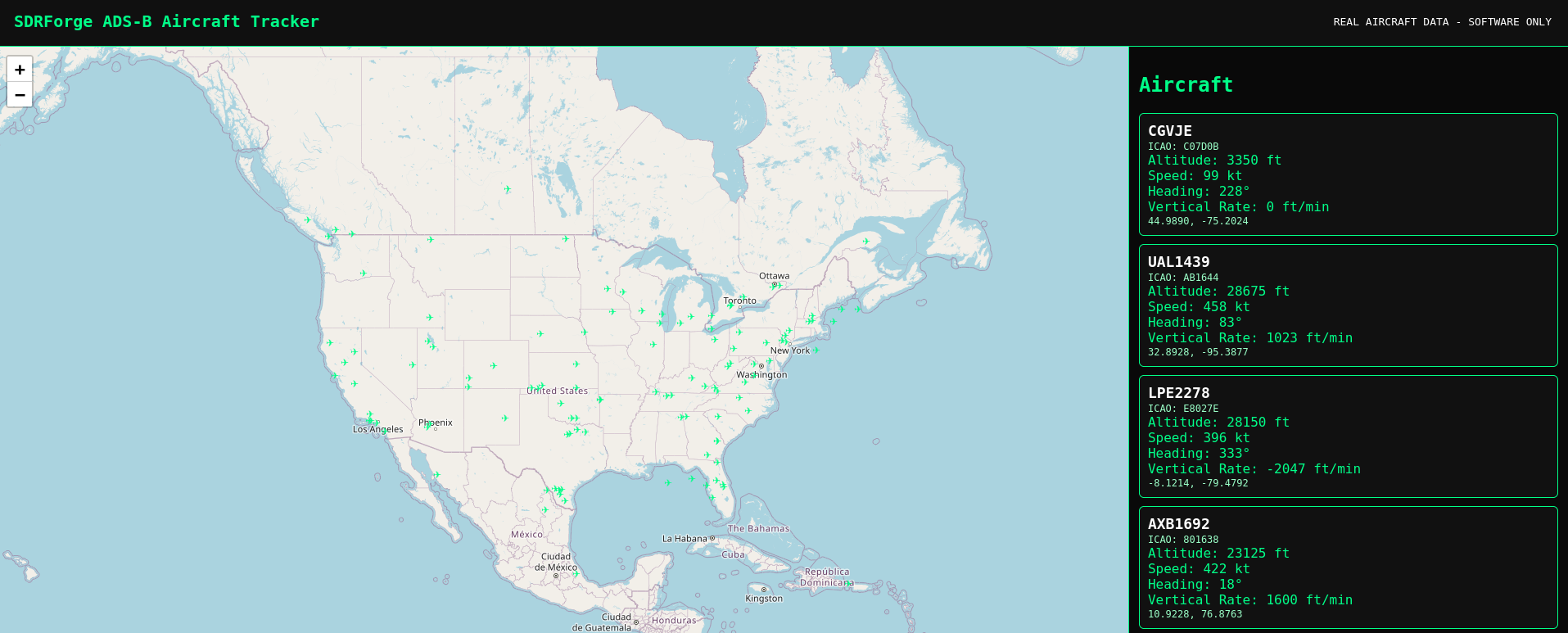
The ADS-B dashboard contains:
- Interactive map - You can see planes live with real incoming data
- Flight information panel - This includes call sign, altitude, and direction
- Live tracking display - Panel updates every 5 seconds
Understanding ADS-B
ADS-B stands for:
Automatic Dependent Surveillance-Broadcast
Aircraft periodically transmit:
- Position
- Altitude
- Ground Speed
- Heading
- Callsign
Aircraft Details
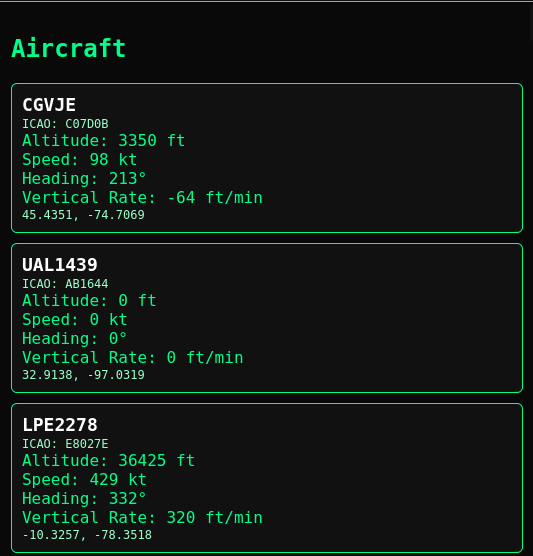
Selecting an aircraft displays:
- Callsign
- ICAO Address
- Altitude
- Speed
- Heading
Data Flow
Aircraft
    ↓
 ADS-B Broadcast
    ↓
 Decoder
    ↓
 Map Display
Troubleshooting
No aircraft visible
Verify the simulation has started and refresh the browser.
Map not updating
Restart the lab and reload the page.
Aircraft was present and no longer appears
Shut down the lab and give it a few minutes; the API has a request limit.