Doorbell Relay
Estimated Time: ~10 minutes
Summary
This lab demonstrates wireless relay and replay attack concepts using simulated OOK/ASK doorbell transmissions.
The objective is to understand how simple RF devices can be analyzed and replayed.
Launching the Lab
Start SDRForge:
python3 SDRForge.py
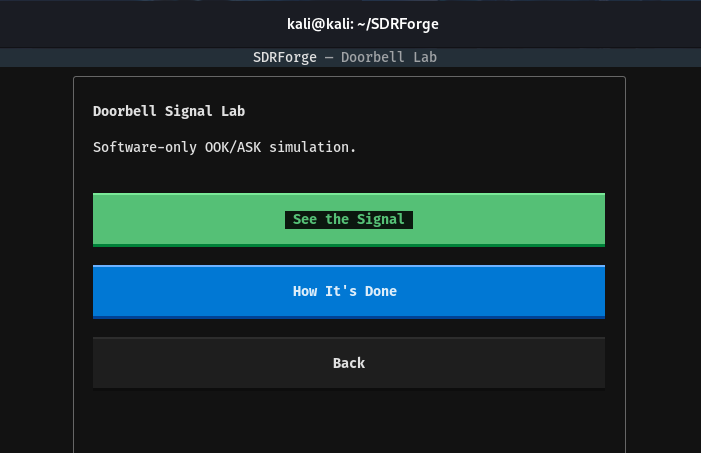
Select:
Doorbell Relay
Selection
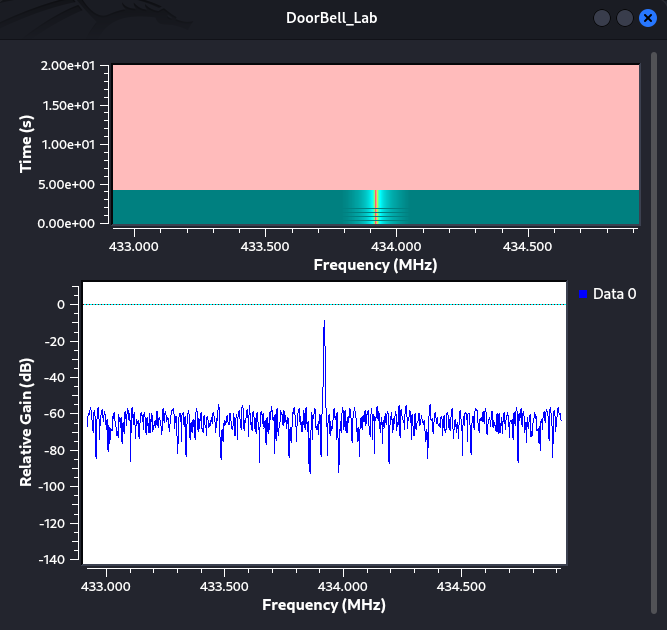
- See the Signal - This allows you to see the wave, and peaks in a waterfall
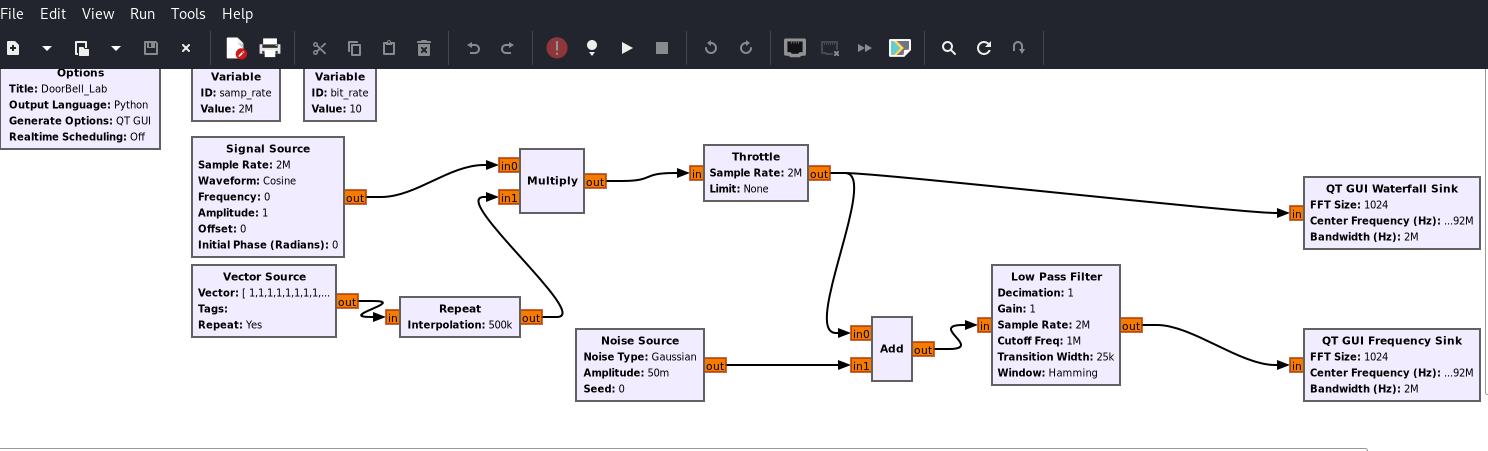
- How it's done - This allows you to see the radio thats conducting this attack
Interface Overview
The lab includes:
- Waterfall display - shows real time fake signals coming through
- Relay controls - you can change the input in the radios vector
- Timing analysis - time out each burst
Capturing a Signal
The simulated doorbell transmission appears in the analysis panel.
Understanding Relay Attacks
Basic workflow:
- Capture transmission
- Analyze pulse timing
- Store signal pattern
- Replay signal
- Trigger receiver
Educational Notes
This simulation does not transmit RF signals.
The purpose is to demonstrate wireless attack concepts safely and legally.
Troubleshooting
Waterfall not moving
Refresh the page and relaunch the simulation.
Browser closes unexpectedly
Verify required dependencies are installed.